Mac 환경 변수 클라우드 동기화
zprofile과 iCloud를 이용해 환경 변수를 여러 Mac에서 공유하는 방법.
여러 Mac에서 환경 변수 동기화하기
요즘 키 발급이 많아지면서, 여러 컴퓨터에서 관리하기가 꽤 번거롭다.
zprofile과 iCloud를 이용해 환경 변수를 동기화하는 방법을 정리해본다.
(참고) zprofile과 zshrc의 차이 https://www.reddit.com/r/zsh/comments/e882c4/what_is_the_difference_between_zshrc_and_zprofile/?tl=ko
zprofile에 환경 변수 추가
1. 편집 및 반영
vi ~/.zprofile # 편집
source ~/.zprofile # 반영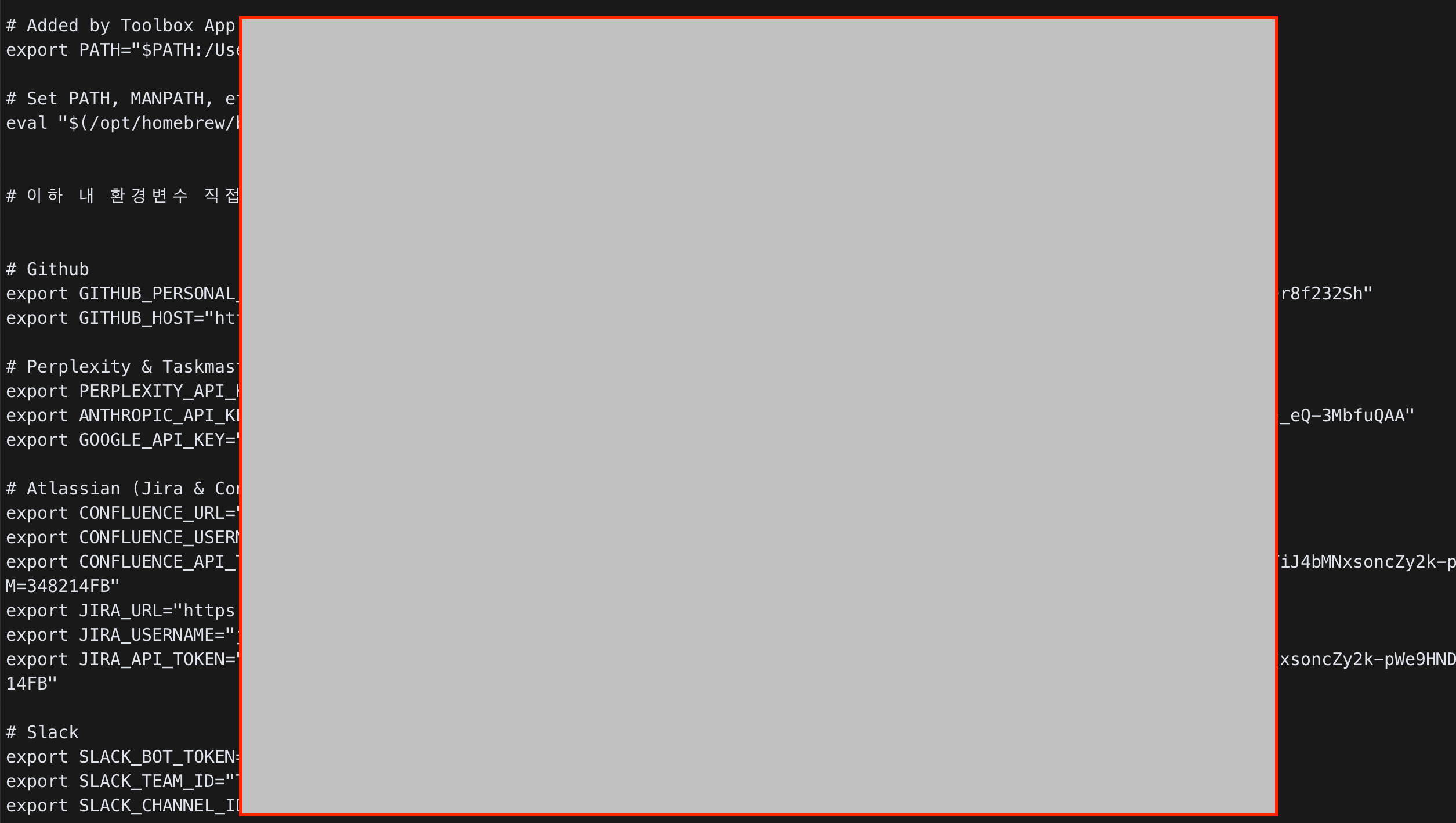
2. 반영 확인
echo $NOTION_API_KEYiCloud로 옮기고 심볼릭 링크
1. 로컬 .zprofile을 iCloud로 이동
mv ~/.zprofile ~/Library/Mobile\ Documents/com~apple~CloudDocs/dots/2. iCloud 파일을 로컬에 링크
ln -s ~/Library/Mobile\ Documents/com~apple~CloudDocs/dots/.zprofile ~/.zprofile3. 결과 확인
